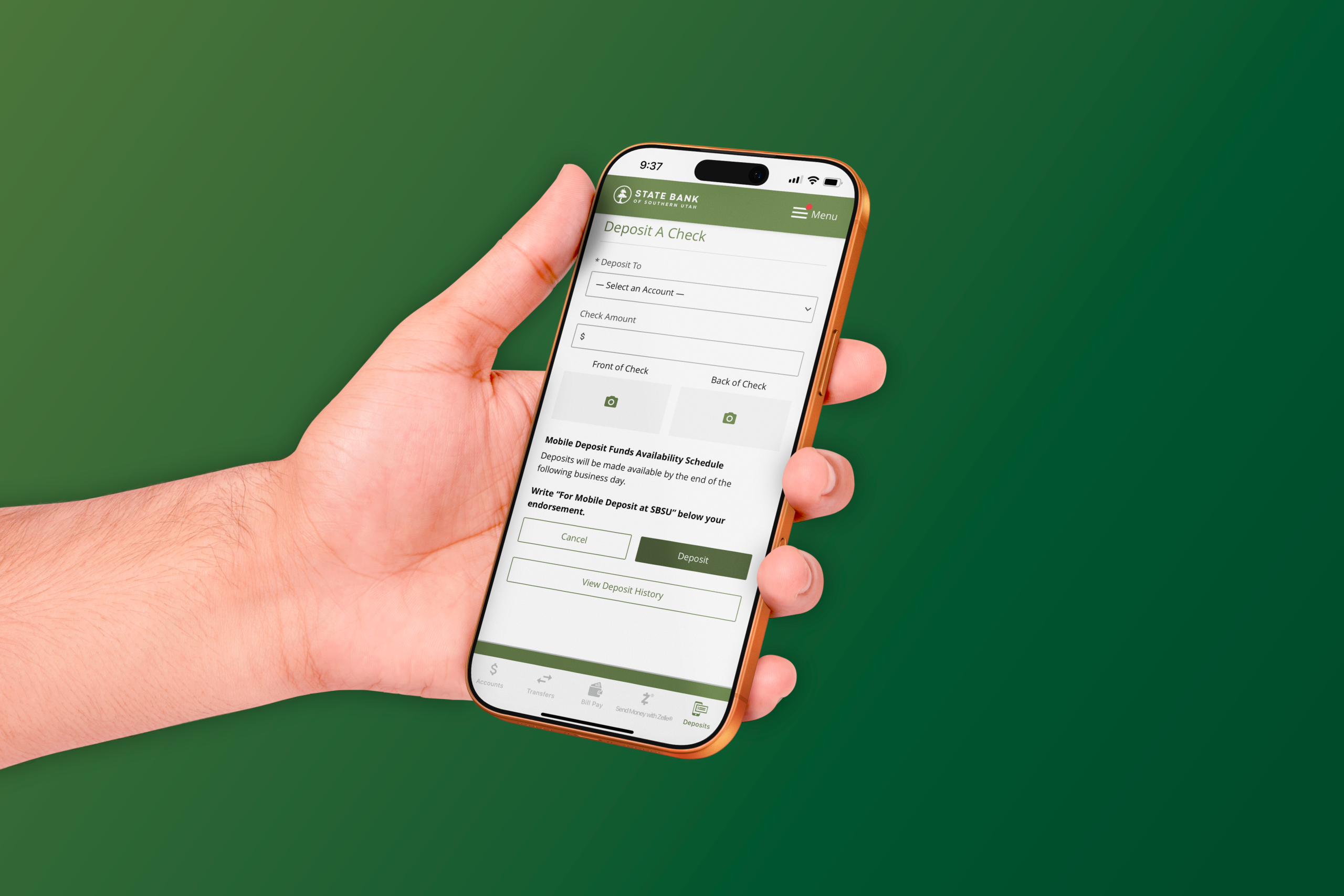
Point. Click. Deposit.
Using Mobile Check Deposit is easy. Select the deposit account, enter the check amount, take a picture of the front/back of the check and submit your deposit.
Download the SBSU Mobile Banking App
Android Devices | Apple Devices
Use either desktop login or mobile app to deposit checks. The mobile app uses your phone’s camera to snap a picture of the check. The desktop version requires a .JPEG picture of the check front/back.
Mobile Deposit Instructions:
- Endorse the check, “[Your Name] Mobile Deposit Only”.
- Use good lighting.
- Place the check on a dark background.
- Capture all four corners of the check.
- Our software will take the picture for you on most phones.
Mobile Deposit Terms of Use:
- $7500 Daily Deposit limit. Contact us to request a higher limit.
- Endorse your check.
- Store Deposited Checks safely to protect the security of the check’s maker. Destroy the check after 15 days.
- Do Not Deposit the Check Anywhere Else.
- Funds Availability: mobile deposits before 4 PM on a business day (M-F excluding holidays) will generally be available for withdrawal the next business day.
- Beware of Counterfeits – lottery, sweepstakes or checks to fund secret shopping exercises are usually fake.
Mobile Deposit Tips:
- Endorse the check.
- Install the SBSU Mobile app on your iOS*® or Android® device.
- Enroll in mobile banking.
- Use bright lighting with no shadows on the check.
- Place the check on a dark background.
- Capture all four corners of the check surrounded with a little dark background.
Still have problems?
- Try turning your device. Sometimes the program thinks the check is upside down.
- For some Android devices, turn off the HDR feature in your camera settings.
- Try reducing the resolution (affects some newer high-resolution devices).
- View deposit history to see what checks you have already deposited.
- Deposit before 4:00 p.m. to get credit for next business day.
*iPhone®, iPad®, iPod Touch®